
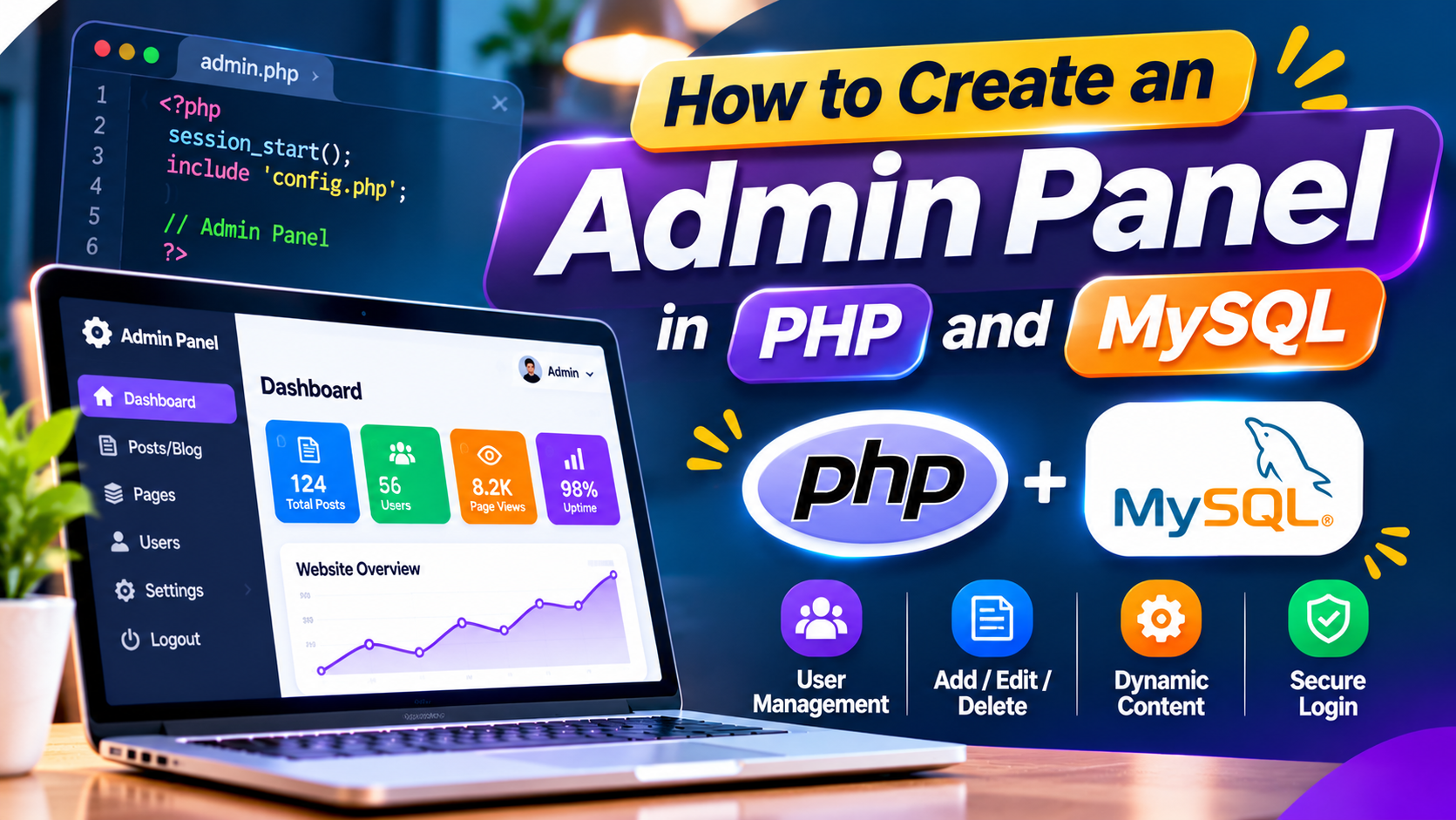
“An admin panel is a secure web-based dashboard that allows website administrators to manage content, users, products, enquiries, and other important information. PHP handles server-side functionality, while MySQL stores and organizes application data. Together, these technologies help developers build dynamic website management systems with customized features.”
What Is an Admin Panel in PHP and MySQL?
An admin panel is a secure web-based dashboard that allows website administrators to manage content, users, products, enquiries, and other important information. PHP handles server-side functionality, while MySQL stores and organizes application data. Together, these technologies help developers build dynamic website management systems with customized features.
A PHP and MySQL admin panel can be developed for business websites, eCommerce platforms, educational institutions, blogs, and custom web applications. Administrators can log in, update records, manage website content, and monitor activities through a centralized interface without directly modifying the website's source code.
Requirements for Building a PHP and MySQL Admin Panel
Before developing an admin panel, prepare a local development environment with PHP, MySQL, and a web server such as Apache. XAMPP is a convenient option for local development because it provides the essential components needed to run PHP applications and manage databases through phpMyAdmin.
Basic knowledge of HTML, CSS, JavaScript, PHP, SQL, and database relationships is helpful. Bootstrap can simplify responsive interface development, while object-oriented PHP improves code organization. A clear project structure also makes it easier to maintain authentication, database operations, dashboard pages, and reusable components.
Step 1: Create the Admin Panel Project Structure
Start by creating a project folder inside your local web server directory. Organize the application into separate folders for configuration files, reusable components, CSS, JavaScript, and administrative pages. This structure helps developers manage code efficiently and reduces unnecessary duplication across the application.
A typical admin panel may include login.php, dashboard.php, users.php, add-user.php, edit-user.php, and logout.php. Common files such as header.php, sidebar.php, footer.php, and database.php can be maintained separately. This modular approach makes future development and interface updates easier.
Step 2: Create a MySQL Database and Admin Table
Open phpMyAdmin and create a new MySQL database for the admin panel. Next, create an administrators table containing fields such as id, username, email, password_hash, and created_at. Assign a primary key to the id column and use appropriate data types and constraints for each field.
Database design is important for security and long-term application performance. Store passwords using PHP's password_hash() function rather than plain text. Additional tables can be created for products, blogs, enquiries, categories, and other modules depending on the website's requirements.
Step 3: Connect PHP to MySQL Using MySQLi
Create a dedicated database connection file using PHP's MySQLi extension. Object-oriented MySQLi allows developers to establish a connection with the MySQL server, select the required database, and execute database queries. Keeping connection logic separate makes the application easier to organize and maintain.
Database credentials should be stored securely and should not be exposed through public website files or version control. Use prepared statements when working with user-supplied values to reduce SQL injection risks. Proper error handling and character encoding settings are also important for reliable database communication.
Step 4: Build a Secure Admin Login System
An admin login page should include fields for authorized credentials and clear validation messages. When a user submits the form, PHP can retrieve the matching administrator record through a prepared database query and verify the submitted password using password_verify().
After successful authentication, regenerate the session identifier and store only the necessary administrator information in the session. Protect dashboard pages with server-side authentication checks. Login security should also include CSRF protection, secure session cookies, HTTPS, and appropriate restrictions against repeated login attempts.
Step 5: Design a Responsive Admin Dashboard
The admin dashboard is the main interface displayed after a successful login. It commonly includes a navigation sidebar, top header, summary cards, recent activity, and shortcuts to management sections. A clean layout helps administrators quickly understand available features and access important information.
HTML, CSS, JavaScript, and Bootstrap can be used to create a responsive dashboard. The sidebar should work properly on mobile devices, while tables and forms should remain readable on smaller screens. Consistent typography, spacing, icons, and button styles improve the overall administrative experience.
Step 6: Implement CRUD Operations in PHP and MySQL
CRUD stands for Create, Read, Update, and Delete. These operations form the foundation of most admin panel modules. For example, a blog management section allows administrators to create articles, view published content, edit existing posts, and remove records when necessary.
PHP and MySQLi prepared statements can be used to implement database operations securely. Each action should validate submitted information and verify administrator permissions. Destructive operations should require appropriate authorization and CSRF protection, while database errors should be handled without exposing sensitive technical details.
Step 7: Add User Management and Access Permissions
User management functionality allows administrators to create accounts, update profiles, assign permissions, and manage access to different modules. Depending on the application, roles may include super administrator, content editor, manager, or support staff, each with different responsibilities.
Role-based access control helps prevent unauthorized actions within the admin panel. Permission checks must be enforced on the server for every protected operation, not only by hiding interface buttons. This approach helps ensure that users can access only the features and information permitted by their assigned roles.
Step 8: Add Image Upload and Content Management Features
Many admin panels require image uploads for blogs, products, banners, and galleries. PHP can process uploaded files, validate file types, enforce size limits, and generate unique filenames. Uploaded content should be stored in a controlled directory with appropriate security restrictions.
A content management module can include article titles, descriptions, images, categories, publishing status, and SEO metadata. Administrators can manage website content through structured forms. Uploaded files should be validated securely, and executable scripts must not be allowed to run from public upload directories.
Step 9: Test Admin Panel Security and Functionality
Before deploying the admin panel, test login authentication, session handling, form validation, database operations, file uploads, and user permissions. Verify that unauthorized visitors cannot access protected pages and that administrators cannot perform actions beyond their assigned permissions.
Security testing should include SQL injection prevention, cross-site scripting protection, CSRF validation, secure password handling, and session expiration. Test the dashboard across mobile, tablet, and desktop screens. Reviewing error logs and checking database backup procedures can also help identify potential maintenance issues.
Step 10: Deploy and Maintain Your PHP Admin Panel
Once development and testing are complete, the admin panel can be deployed to a compatible hosting environment. Configure the production database, enable HTTPS, protect sensitive configuration files, and ensure that debugging information is not publicly displayed. Verify that all administrative features work correctly after deployment.
Regular maintenance helps keep an admin panel secure and functional. Update PHP and dependencies, monitor application logs, review administrator access, and maintain reliable database backups. Ongoing improvements can include additional reporting features, content management modules, and performance optimization.
Build a Professional Admin Panel With PHP and MySQL
Creating an admin panel in PHP and MySQL involves database planning, secure authentication, responsive dashboard design, CRUD functionality, and careful testing. Following organized development practices helps create a management system that is easier to use, maintain, and expand as application requirements grow.
Seyfert Infotech provides custom PHP website development, database-driven applications, and administrative dashboard solutions for businesses. Whether you need a blog management system, product administration panel, or custom business application, a well-designed admin panel can simplify website management and daily digital operations.
Seyfert Infotech develops secure, responsive PHP and MySQL admin panels with login systems, CRUD operations, and database management. Our custom solutions simplify website management, improve efficiency, and make daily operations easier for businesses.
How Do I Create an Admin Panel in PHP and MySQL?
To create an admin panel in PHP and MySQL, set up a database, establish a MySQLi connection, build secure login authentication, create dashboard pages, and implement CRUD operations. Add session management, access permissions, input validation, and security testing before deployment.
Can I Build an Admin Panel Using Core PHP?
Yes. Core PHP can be used to develop a complete admin panel without relying on a PHP framework. Developers can use object-oriented PHP, MySQLi prepared statements, HTML, CSS, JavaScript, and Bootstrap to build secure and responsive administrative applications.
What Is CRUD in a PHP Admin Panel?
CRUD refers to Create, Read, Update, and Delete operations. These functions allow administrators to add, view, edit, and remove database records. CRUD functionality is commonly used in blog management, product management, user administration, and content management systems.
How Can I Secure a PHP Admin Login System?
A secure PHP admin login system should use password hashing, prepared statements, HTTPS, protected sessions, CSRF tokens, login attempt restrictions, and server-side authorization checks. Regular updates and security testing are also important for protecting administrative accounts.
Which Database Is Best for a PHP Admin Panel?
MySQL is a popular database choice for PHP admin panels because it supports structured data management, relational tables, and efficient database operations. PHP's MySQLi extension provides functionality for connecting to MySQL and executing prepared queries.