
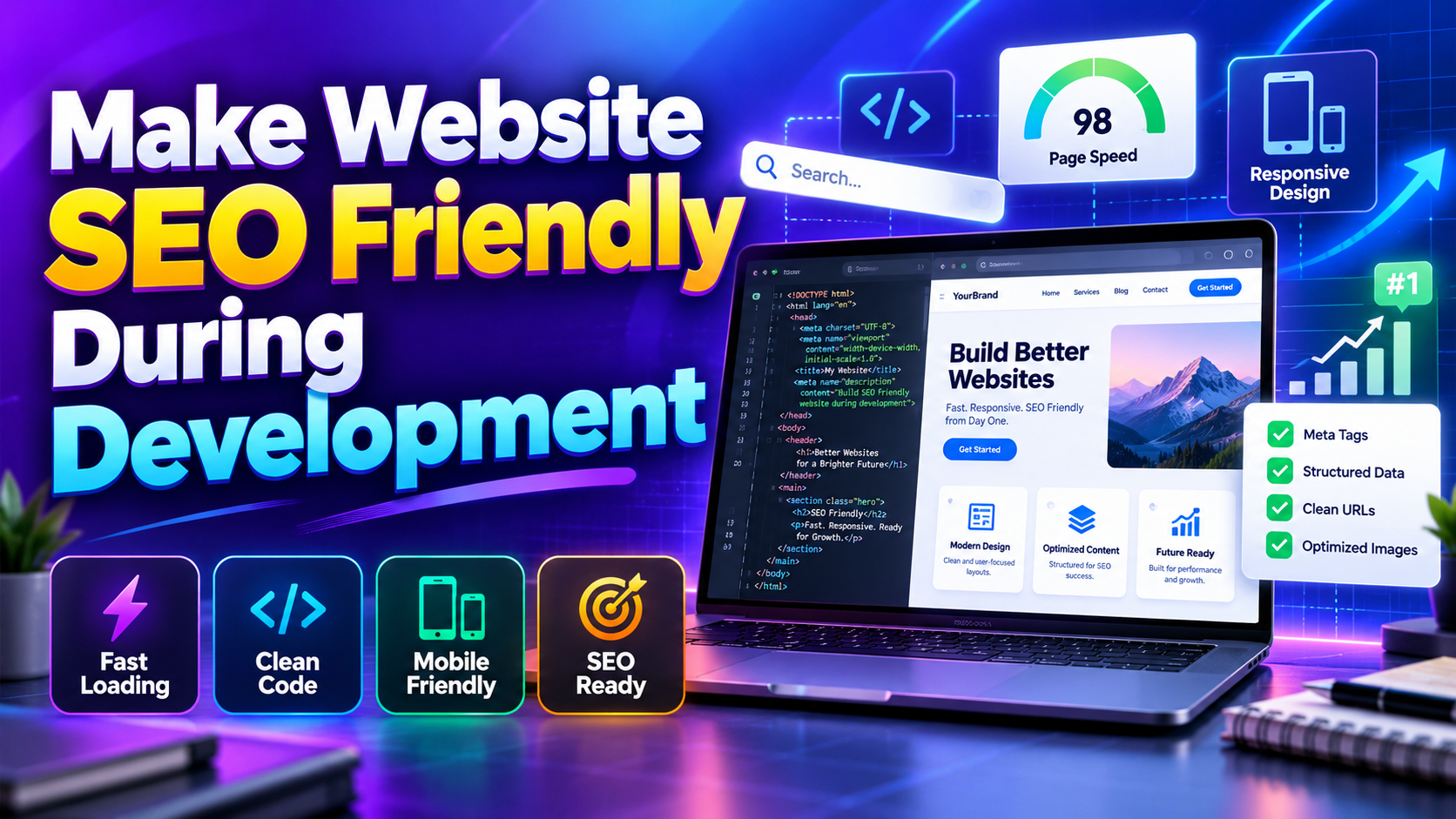
“SEO should not be treated as something to add after a website is completely developed. Decisions made during development can affect website speed, crawlability, mobile usability, URL structure, navigation, content organization, and how search engines understand important pages.”
Why SEO Should Start During Website Development
SEO should not be treated as something to add after a website is completely developed. Decisions made during development can affect website speed, crawlability, mobile usability, URL structure, navigation, content organization, and how search engines understand important pages.
Building SEO into the development process can reduce technical problems later and create a stronger foundation for organic search visibility. Developers, designers, content teams, and SEO specialists should work together from the planning stage to create a website that works well for both users and search engines.
Plan an SEO-Friendly Website Architecture
Website architecture defines how pages are organized and connected. Before development begins, businesses should identify important sections such as Home, Services, Products, About, Blog, Locations, FAQs, and Contact, then create a logical structure that allows visitors to move between related pages easily.
A clear architecture can also make crawling and indexing easier. Important pages should not be unnecessarily buried under multiple levels of navigation, and related pages should be connected through meaningful internal links.
Create SEO-Friendly URLs During Development
URL structure should be planned before large amounts of content are published. Clean URLs such as /services/web-development or /blog/seo-tips are easier to understand than URLs containing unnecessary parameters, random numbers, or complicated strings.
Developers should use descriptive slugs, lowercase characters, and hyphens where appropriate. If an existing URL needs to change during development, the preferred URL should be established early and appropriate redirects should be planned before launch.
Build a Mobile-Friendly Responsive Website
A modern website should provide a consistent experience across smartphones, tablets, laptops, and desktop computers. Responsive development allows page layouts, images, menus, forms, buttons, and typography to adapt to different screen sizes.
Mobile-first development can help teams prioritize essential content and functionality before expanding the interface for larger screens. Developers should test navigation, forms, buttons, images, spacing, and text readability across multiple screen sizes before launch.
Improve Website Speed During Development
Website performance should be considered while pages and components are being developed rather than after the project is completed. Large images, unnecessary JavaScript, excessive CSS, slow server responses, third-party scripts, and inefficient database queries can all affect loading performance.
Developers can improve performance by optimizing images, reducing unused code, using caching, minimizing unnecessary requests, optimizing backend processes, and selecting suitable hosting infrastructure. Early optimization is generally easier than rebuilding a slow website after launch.
Optimize Images Before Publishing Them
Images should be resized according to their actual display requirements instead of uploading unnecessarily large files. Compression and suitable modern image formats can reduce file sizes while maintaining appropriate visual quality.
Relevant images should also have descriptive alternative text where appropriate. Lazy loading can be used for images that are outside the initial viewport so that important content can load without unnecessary delays.
Use Proper HTML Heading Structure
HTML headings help organize webpage content into meaningful sections. Developers should create a logical hierarchy where the main page topic is clearly identified and supporting sections use appropriate heading levels.
Headings should describe the actual content that follows them rather than being created only to include keywords. A clear heading structure can improve readability and help users quickly scan long pages.
Create Search-Friendly Page Titles
Every important page should have a descriptive title that accurately represents its content. Titles should communicate the main topic clearly and should be different enough from other pages to help search engines and users distinguish between them.
Developers should make title management easy when building CMS systems. A content administrator should be able to update page titles, descriptions, URLs, and other important SEO fields without requiring changes to the underlying code.
Add Editable SEO Meta Descriptions
Meta descriptions can summarize what a webpage is about and may influence how users decide whether to visit a result. Although they are not a direct ranking factor, writing useful descriptions can support better search-result presentation and click behaviour.
A CMS should ideally allow content managers to create unique meta descriptions for important pages. Automatically generating identical descriptions for every page can reduce the usefulness of the site's search-result information.
Build Strong Internal Linking Into the Website
Internal links connect related pages within a website and help visitors discover additional information. Developers should make it easy for content teams to link service pages, blog posts, product pages, FAQs, case studies, and other related resources.
A good internal linking structure can also help search engines understand the relationships between pages. Links should be relevant and useful rather than added simply to increase the number of links on a page.
Make Important Content Crawlable
Search engines need to access important webpage content to understand and potentially index it. Developers should avoid placing essential information only inside inaccessible scripts, images, or interactions that prevent search engines and users from easily accessing the content.
Important content should be available through crawlable page structures and normal navigation. Developers should also check robots.txt, meta robots directives, canonical URLs, HTTP status codes, and other technical settings before publishing the website.
Create an XML Sitemap for Search Engines
An XML sitemap provides search engines with information about important URLs on a website. It can be especially useful for larger websites, websites with frequently changing content, and sites where some pages may be difficult to discover through normal navigation.
The sitemap should contain valid, preferred URLs rather than duplicate, redirected, or blocked pages. Developers should also ensure that the sitemap can be generated and updated automatically when new pages are published.
Configure Robots.txt Correctly
The robots.txt file can provide instructions about which areas of a website crawlers may access. It should be configured carefully because incorrectly blocking important resources or pages can interfere with search engine crawling.
Developers should not use robots.txt as a replacement for proper access control or page removal. Sensitive information should be protected through authentication and server-side security rather than relying on crawler instructions.
Use Canonical URLs to Control Duplicates
Websites can sometimes make the same or similar content accessible through multiple URLs. Canonical tags can help communicate the preferred URL for a page when duplicate or closely related URL variations exist.
Canonical implementation should be consistent with the website's actual preferred URL structure. Developers should avoid automatically applying incorrect canonical URLs across every page because this can create indexing problems.
Add Structured Data Where Relevant
Structured data provides machine-readable information that can help search engines understand eligible webpage content. Depending on the website, developers may implement appropriate structured data for articles, products, organizations, breadcrumbs, and other supported content types.
Structured data should accurately represent information that is available on the page. It should be implemented as part of the website architecture and validated before launch rather than added randomly to individual pages.
Optimize Core Web Vitals During Development
Core Web Vitals provide useful measurements related to loading performance, responsiveness, and visual stability. Developers should monitor these metrics while building important templates instead of waiting until the entire website is finished.
Improving image delivery, server response time, JavaScript execution, resource loading, and layout stability can contribute to a better page experience. Performance testing should be performed on important templates and real-world device conditions.
Reduce Unnecessary JavaScript and CSS
JavaScript and CSS provide important functionality and visual presentation, but excessive code can increase browser workload. Developers should remove unused resources, avoid unnecessary libraries, and load scripts only where they are actually required.
A lightweight frontend can improve loading performance and make the website easier to maintain. Critical resources should receive priority while non-essential functionality can be loaded later when appropriate.
Build SEO-Friendly CMS Functionality
A content management system should make SEO management simple for website administrators. Important fields such as page title, meta description, slug, image alt text, canonical URL, headings, and structured content should be manageable without editing source code.
The CMS should also prevent common SEO problems such as duplicate slugs, empty metadata, accidental noindex settings, broken URLs, and uncontrolled page creation. Good CMS architecture can reduce technical SEO problems as the website grows.
Make Website Navigation Accessible and Fast
Navigation should allow visitors to reach important pages quickly and understand where they are within the website. Menus should work properly on mobile and desktop devices, while links and buttons should have clear labels.
Accessibility should also be considered during development. Keyboard navigation, visible focus states, readable text, suitable touch targets, meaningful labels, and properly implemented interactive elements can create a better experience for a wider range of users.
Secure the Website From the Beginning
Security should be part of website development rather than a post-launch addition. HTTPS, secure authentication, protected administrative areas, secure database queries, access controls, software updates, and regular backups can help protect websites and their users.
Developers should also review third-party libraries, plugins, frameworks, and server software for security updates. A secure website provides a more reliable foundation for long-term business operations and customer trust.
Prepare Content for Search Intent
SEO-friendly development should support content that answers the actual needs of searchers. Before creating page templates, businesses should identify the questions, problems, services, products, and information their target audience is searching for.
Content should be organized around genuine search intent rather than forcing keywords into every section. Service pages, product pages, tutorials, FAQs, guides, and blog articles should each have a clear purpose and provide useful information.
Prepare the Website for AEO and GEO
Search experiences are increasingly including direct answers and generative AI interfaces. Answer Engine Optimization focuses on providing clear answers to relevant questions, while Generative Engine Optimization is commonly used to describe strategies for visibility within AI-powered search experiences.
A website can become more AI-search ready by publishing clear explanations, useful FAQs, structured information, authoritative resources, and content that directly answers customer questions. These approaches should complement traditional SEO rather than replace its technical foundations.
Test SEO Before Launching the Website
An SEO pre-launch test should check important technical elements before the website becomes publicly available. Developers should review page titles, meta descriptions, headings, URLs, redirects, canonical tags, robots.txt, XML sitemap, internal links, image alt text, structured data, mobile layouts, and page speed.
The team should also check for broken links, missing pages, incorrect status codes, accidental noindex directives, duplicate content, and development URLs that may have been left behind. A structured pre-launch checklist can prevent many avoidable SEO problems.
Monitor SEO After Website Development
SEO work should continue after the website is launched. Businesses should monitor organic traffic, search impressions, clicks, indexed pages, technical issues, page performance, conversions, and important landing pages to understand how the website is performing.
Regular monitoring can reveal problems that were not visible during development. New content, plugins, scripts, design changes, and database growth can gradually affect SEO and performance, making ongoing technical maintenance important.
Common SEO Mistakes During Website Development
Common development mistakes include using temporary URLs after launch, blocking important pages, creating duplicate URLs, forgetting redirects, uploading oversized images, loading unnecessary scripts, using unclear navigation, and publishing pages without useful metadata or content.
Another mistake is waiting until the website is finished before thinking about SEO. Correcting architecture, URL structures, templates, database logic, or performance problems after launch can require significantly more time than planning them correctly during development.
Build SEO Into Every Development Stage
The strongest approach is to include SEO throughout the website development lifecycle. Planning should cover architecture and keywords, design should consider usability and responsive layouts, development should focus on technical SEO and performance, and testing should verify search accessibility before launch.
When SEO becomes part of development rather than a final checklist, businesses can create websites that are faster, easier to crawl, easier to navigate, and better prepared for organic search growth. This approach can also reduce the need for expensive technical corrections later.
Build SEO Into the Website From Day One — Don't Add It After Launch.
Making a website SEO-friendly during development creates a stronger foundation for long-term digital growth. By combining clean architecture, responsive design, fast performance, optimized content, technical SEO, structured data, internal linking, accessibility, security, AEO, and GEO readiness, businesses can build websites prepared for modern search.
Frequently Asked Questions About SEO-Friendly Development
Why should SEO be included during website development?
SEO should be included during development because website architecture, URLs, page templates, performance, mobile usability, crawlability, and technical settings are easier to optimize before launch. Early SEO planning can also prevent expensive technical corrections later.
How do I make my website SEO-friendly?
Create a logical website structure, use descriptive URLs, optimize page titles and headings, improve loading speed, make the website responsive, create useful content, implement internal links, optimize images, configure technical SEO correctly, and monitor performance after launch.
Does website speed affect SEO?
Website speed contributes to the overall page experience and can affect how visitors interact with a website. Performance should therefore be considered during development, although speed alone does not guarantee higher search rankings.
What technical SEO should developers implement?
Developers should consider crawlability, indexability, clean URLs, redirects, canonical URLs, XML sitemaps, robots.txt, responsive design, page speed, Core Web Vitals, structured data, internal linking, HTTPS, and proper HTTP status codes.
Should a website be optimized for AEO and GEO?
AEO and GEO can be included as part of a modern search strategy. Clear answers, useful FAQs, authoritative content, structured information, and strong technical SEO can help prepare websites for changing search and AI-powered discovery experiences.